
Smart Selection of Webinars Can Save Nonprofit Workers Time and Money

By MAUREEN WEST
Contributor
May 15, 2011 | Read Time: 7 minutes
Getting a 90-minute free lesson in nonprofit management advice directly from three well-respected experts is a treat for anybody who works at a nonprofit.
But when that opportunity was offered to staff members at one Minnesota group, it became an even more powerful learning tool: Because it was offered in an online format, the staff members all attended the session together to hear about the book Nonprofit Sustainability from its authors Jeanne Bell, Jan Masaoka, and Steve Zimmerman.
“Afterwards, we talked about how it applied to our work and our clients,” says Amy Wagner, an associate director at MAP for Nonprofits, a St. Paul group that helps nonprofit workers manage their organizations better. “We learned just as much from each other as from the program.”
In the nonprofit world, such Web educational sessions are proliferating rapidly and offering an increasing range of learning experiences, say those who organize and attend the online events. But as more organizations get into the business of offering both free and paid Webinars, experts say, nonprofit workers need to be choosier about deciding which Webinars are worth the time and, in some cases, the money.
Increased Demand
Webinars, introduced more than a decade ago, have grown more popular since the bad economy prompted nonprofits to trim travel and training budgets. Nonprofit consultants, trade associations and other organizations offer the sessions, as do national charities that use them as a way to train their far-flung employees.
For example, since 2006, the number of participants in the Association of Fundraising Professionals’ Webinars has increased from 16,900 to 24,100 annually, according to Andrew Watt, chief executive of the group, which represents fund raisers around the world.
Mr. Watt says his group’s research shows that for every person who signs up for a Webinar, eight to 12 will actually watch.
“The demand now for flexible training is tremendous,“ he says. “A lot of our members are challenged for time. Maybe they can’t take a whole day to do face-to-face training, so we are trying to look at what we can do.”
Since 2006 the organization has doubled the number of seminars it offers to 24 a year. Registration costs $159 per Webinar.
BoardSource, in Washington, began offering Webinars last year and now produces two a month; introductory-level Webinars are free to the group’s members and $35 for nonmembers. Advanced Webinars are $40 for members and $75 for nonmembers.
“There is an anonymous aspect to Webinars that has some appeal,” says Deborah Davidson, BoardSource’s vice president for governance, research, and publications. “You don’t have to dress up to attend.”
Bells and Whistles
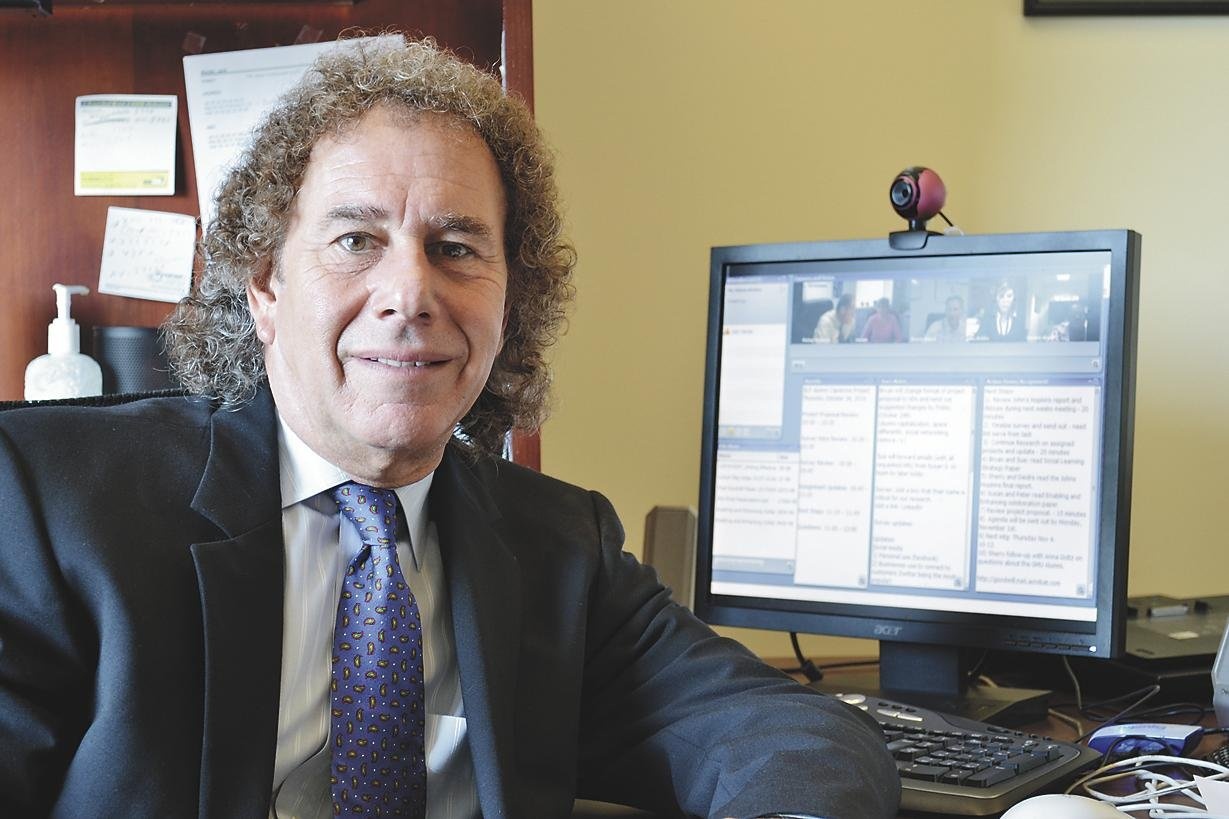
Despite their appeal to people who wish to remain anonymous, Webinars are also becoming increasingly interactive, say those who create and participate in them. Many now display questions and comments from participants in real time, and some Webinars feature face-to-face video links of attendees as well as expert guests.
While bells and whistles can’t make up for a poor presenter, the direct interaction between attendees—even those who are not huddled together in the same room—produces added value, say participants.
Today’s Webinars are “great for brainstorming,” says Jack Wexler, director of technology-based learning at Goodwill Industries International, in Rockville, Md., and a longtime booster of Web seminar technology. Goodwill produces about four live training Webinars a week for the 32 of its 165 affiliates that share a common communications platform.
Goodwill’s Webinars provide face-to-face connectivity among all participants, a rapport-building feature that is more and more common but still not present in 70 to 80 percent of Webinars in the U.S., according to Karen Hyder, a Rochester, N.Y., consultant who trains presenters for Webinars.
‘Maximum Benefit’
But some groups are also mixing a formal education session with breakout sessions afterward during which the viewers interact with each other for another hour or so, either in person or electronically.
As seductive as electronic communication can be, says Mr. Watt, in-person discussions are a key to getting “maximum benefit” from Webinars.
“It doesn’t do much good for supervisors to sit staff down to watch a Webinar but then let everyone troop out immediately afterwards without talking about it,” he says.
He encourages managers to provide Webinars and then discuss and debate the issues raised, he says—twice a year, four times a year, 10 times, depending on their budgets.”
Mr. Watt and others offer the following additional tips for getting the most from Webinars:
Choose sparingly. Even free Web seminars eat up participants’ valuable time. Ms. Wagner, of MAP for Nonprofits, says she receives so many offers that she could attend a Webinar every day if she wanted to. She holds it down to about six per year.
View the Webinar as merely an introduction. “If you want to get the deepest learning experience, a Webinar is not the way to do it,” says Mr. Watt. “But it will allow you to understand a topic, to identify areas where you need to build more knowledge and where you are technically proficient.”
Select a topic that is being presented at an appropriate level, suggests Ms. Davidson. Her organization looks at the seminars it offers free to members as the equivalent of freshman-level “survey” classes in college; more advanced Webinars usually require a fee.
Research the sponsor and the presenter. Study the organization that’s offering the Webinar, suggests Ms. Davidson. “Is this an organization you trust? Is the presenter an authority on the topic? If not, why bother? Ultimately it’s the content that counts,” she says.
Look for Webinars in which the presenter appears on camera, says Mr. Wexler—that personal touch usually signifies a higher-quality production. If the Webinar is focused on an appealing topic but the organization or the speaker is unfamiliar, ask colleagues for their advice, he says: “Especially if you’re paying for it, you want something worth your time and money.”
Go online to look at prior Webinars by the same producer, says Ms. Wagner, who is an experienced Webinar presenter herself. She looks for high production values: Many of the best Webinars employ an extra person or two to manage the technology and help feed the right questions to the presenter.
“In a classroom setting, you can hang out afterwards and ask a question or shout it out in class,” she says. “You can’t do that in a Webinar unless there are technical people there to assist the presenter.”
Also, she says, there’s nothing more annoying than to attend a Webinar in which an inexperienced presenter doesn’t mute the audio lines from the participants. “It can be distracting to have dogs barking and people sneezing all over the country,” she says.
Check the agenda. Too many subjects included in one Webinar can be a red flag, says Ms. Hyder. “For an hour or 90-minute session, you might expect to learn three or four things well,” she says. “If they list 15 objectives, they won’t be able to pull that off.”
Ms. Wagner echoes that caution: Webinars are great for learning the big lessons from a new book or hearing a prominent person with expertise in nonprofit issues, she says, but they aren’t always helpful for learning technical skills, such as mastering a new software program.
Also, Ms. Davidson says, avoid Webinars that are just long slide presentations, which can get dull.
Ask about extras. Mr. Wexler, of Goodwill, looks for access to graphics and other materials used in the Webinar and links to more information.
Ms. Wagner checks to see if there will be a way to contact other participants, in the way that people attending a convention can go home with a stack of business cards.
Check in early. Don’t wait until the last minute to check into a Webinar, says Ms. Hyder. Allow at least 15 minutes to log in and to download any necessary software.
Try prerecorded events as well as live. Although archived events will not allow participants to ask questions, they can be helpful for time-pressed professionals, because they allow viewers to fast-forward, says Chris Dumas of Napa, Calif., founder of Nonprofit Webinars, which offers free, twice-weekly Web seminars for nonprofit workers.
If a Webinar seems like a waste of time, a viewer will likely know in the first few minutes, says Mr. Dumas, In such cases, he advises, “just hop off.”
Tips For Getting the Most From Webinars
- Choose sparingly.
- View the Webinar as merely an introduction to a topic.
- Research the sponsor and the presenter.
- Look at the producer’s prior Webinars.
- Check the program agenda.
- Ask about extras.
- Check in early.
- Try prerecorded events as well as live.